Power BI on Your Signage Screen Is Not a Single Click. Stop Blaming the Signage Platform.
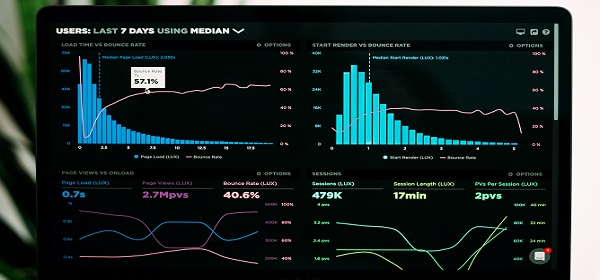
Every week, somewhere in America, a customer is sitting in a conference room absolutely convinced that getting Power BI onto their digital signage is going to take about 45 seconds. Click, click, done. Dashboard on screen. Everyone goes home happy. Then reality shows up. Suddenly there's a conversation about service accounts. Then network security. Then IT says the domain won't allow external embedding. Then someone mentions a firewall. Then the Power BI license tier doesn't support the embed type the signage platform needs. Then IT says they'll "look into it" — which in corporate-speak means it's going to die quietly in a ticket queue. And who gets the blame? The signage platform. Obviously. Here's the truth nobody wants to hear: Power BI integration works fine. The signage platforms aren't the problem. Your IT department's security policies, your license tier, and your network configuration are the problem. The signage platform is just the messenger getting shot. I've watched this movie at least a dozen times. Before your next signage demo, ask your IT team three questions: Do we have a Power BI Pro or Premium license? Will you allow a service account with embed permissions? Is iframe embedding allowed through our network? If the answers aren't yes, yes, and yes — fix that first. Then call me.